
5 Key Facts: Connecting the Yard to the Bigger Picture
1. YMS integration connects yard operations with WMS, TMS, ERP, and other enterprise systems to synchronize logistics workflows and reduce manual data entry.
2. Clear data ownership prevents conflicting updates by defining which system manages shipments, inventory, appointments, and yard movements.
3. Real-time data exchange keeps gate, dock, and warehouse operations coordinated through events such as vehicle arrival, check-in, loading completion, and departure.
4. SAP EWM integration connects transportation units, warehouse visits, checkpoints, and dock activities through supported interfaces and event exchanges.
5. Reliable interface monitoring helps detect rejected messages, duplicate events, delayed updates, and inconsistent statuses before they disrupt logistics operations.
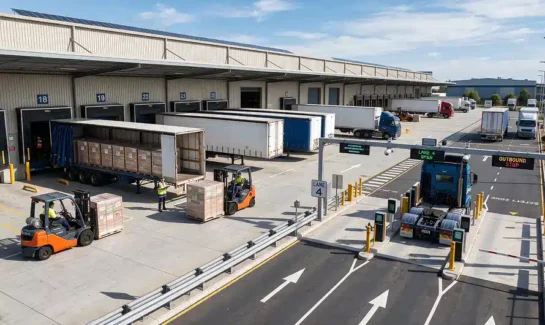
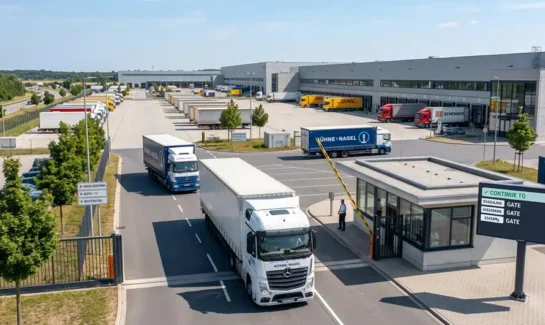
YMS integration connects a yard management system with warehouse, transportation, and enterprise software to coordinate vehicle arrivals, dock operations, loading activities, and departures. Instead of managing each stage separately, logistics teams exchange operational data between systems and maintain a consistent view of what is happening across the facility.
Consider a truck arriving at a distribution center. The transport platform knows its delivery schedule, the warehouse application expects the goods, and the yard software controls entry and parking. Without integration, employees must reconcile these details manually. With connected systems, the relevant information moves automatically as the truck progresses through the site.
Successful integration requires more than connecting software interfaces. Companies must define data ownership, agree on operational events, and establish procedures for handling errors. This guide explains how these connections work, including practical considerations for SAP environments.
Integrate yard management with WMS, TMS, ERP, and SAP EWM to synchronize workflows, automate data exchange, and improve visibility
What Is YMS Integration?
Yard management system integration is the process of connecting yard operations with other logistics and business applications. Its purpose is to coordinate physical vehicle movements with transport plans, warehouse activities, and enterprise transactions.
Definition and business purpose
A Yard Management System (YMS) manages operational activities within a facility’s yard, including vehicle check-in, parking assignments, dock movements, and departure records.
Integration allows this software to receive information from upstream applications and report relevant events to downstream systems.
The business objectives are straightforward:
- Reduce repeated data entry across logistics departments.
- Improve coordination between gate personnel, warehouse teams, and transport planners.
- Provide accurate information about vehicle and shipment status.
- Reduce delays caused by missing or inconsistent information.
- Create reliable timestamps for operational analysis and reporting.
An integrated yard workflow connects transport planning with the physical execution of warehouse operations.
Systems commonly connected to a YMS
Most facilities connect yard software with several established enterprise applications.
- Warehouse Management System (WMS): Manages inventory, warehouse tasks, goods receipt, picking, and loading activities.
- Transportation Management System (TMS): Plans shipments, carriers, routes, and transport execution.
- Enterprise Resource Planning (ERP): Maintains business transactions, purchasing, sales orders, and enterprise reference information.
- SAP Extended Warehouse Management (SAP EWM): Coordinates detailed warehouse execution and supports yard-related processes.
- SAP Yard Logistics: Provides specialized yard planning and execution capabilities within SAP landscapes.
- Access and identity platforms: Support driver identification, entry authorization, barriers, and security records.
The exact architecture depends on the facility. A small distribution center may need only warehouse and transport connections, while a large manufacturing site may require several enterprise platforms.
Integration vs. duplicate data entry
Manual coordination often involves copying shipment numbers, vehicle registrations, or appointment details between applications.
This approach creates opportunities for mistakes. An updated delivery time may appear in the transport system but remain unchanged at the gate.
Automated integration addresses this problem by transmitting relevant changes between applications.
For example, if a carrier reschedules a delivery, the appointment update can reach the yard platform without another employee entering the same information.
However, automation alone does not guarantee consistency. Each system must understand which application is authorized to create or modify a particular record.
Which System Owns Which Data?
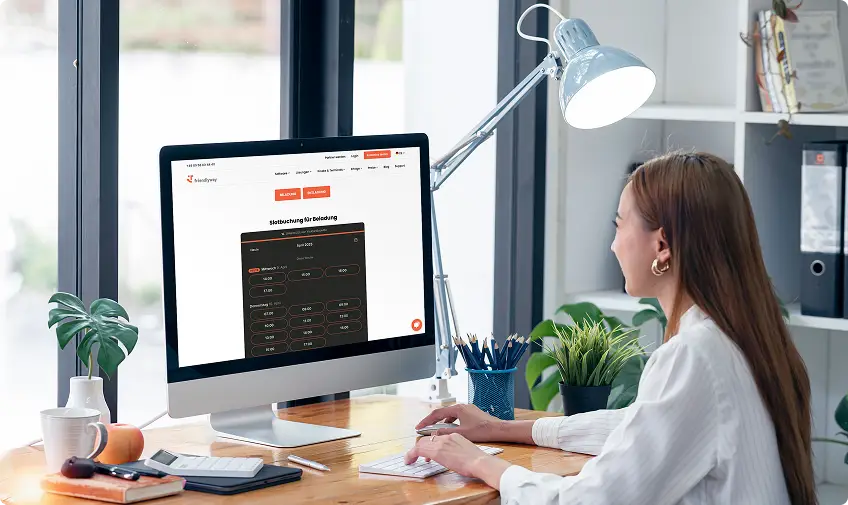
Every integrated application needs clearly defined data responsibilities. Otherwise, two systems may update the same information independently and create conflicting records.
The following table illustrates a typical division of responsibilities. Actual ownership should be confirmed during solution design.
| System | Primary data responsibility | Typical information exchanged |
|---|---|---|
| ERP | Orders and enterprise master data | Purchase orders, suppliers, materials, business partners |
| TMS | Transport planning and shipments | Shipment references, carriers, appointment details |
| WMS | Inventory and warehouse execution | Goods receipt, loading status, dock readiness |
| YMS | Yard execution and vehicle visits | Gate timestamps, parking locations, vehicle movements |
| Access platform | Physical access authorization | Driver identity, credentials, entry permissions |
ERP orders and master data
An enterprise platform typically maintains purchasing, sales, and other business records.
For example, SAP S/4HANA may provide purchase order references, suppliers, and material information required to identify incoming deliveries.
The yard platform should reference this information rather than create competing enterprise records.
TMS shipments and appointments
YMS TMS integration connects planned transportation activities with actual vehicle movements.
A transport application may provide carrier details, shipment identifiers, estimated arrival times, and delivery appointments.
The yard platform then records what happens when the vehicle reaches the facility.
This separation helps planners compare scheduled activity with operational reality.
WMS inventory and loading status
YMS WMS integration links yard movements with warehouse execution.
The warehouse platform manages stock movements, picking, goods receipt, and loading confirmation. The yard platform manages vehicle positioning and movements outside the warehouse.
For instance, a warehouse-ready notification can trigger a dock assignment or vehicle movement.
A yard management system should not replace the inventory responsibilities of warehouse software.
YMS visits, locations, moves, and gate events
Yard software normally owns operational records describing a vehicle’s physical presence.
These records may include:
- Arrival and departure timestamps.
- Assigned parking spaces and dock doors.
- Vehicle and trailer locations.
- Yard jockey movements.
- Gate processing and visit status.
Other applications consume these events when they affect transport or warehouse processes.
Access control and identity data
Physical access control systems manage credentials, permissions, and security-related entry decisions.
Integration can connect driver pre-registration with identification checks and barrier authorization.
For example, a driver may receive a temporary credential associated with an approved visit.
Identity records and visit records should remain linked through stable identifiers. This is especially important when drivers change vehicles or make multiple deliveries.
Core Events in an Integrated Yard Workflow
An integrated workflow uses operational events to keep systems synchronized as vehicles move through a facility. Each event should have a defined source, recipient, and business consequence.
Appointment created or changed
The workflow often begins when a transport planner or scheduling application creates an appointment.
The appointment record may contain a shipment reference, carrier, planned arrival window, vehicle requirements, and expected cargo.
Changes should be communicated before the vehicle arrives so the facility can adjust its capacity plan.
Pre-registration and arrival
Pre-registration provides the gate with information about an expected vehicle and driver.
When the truck arrives, the yard application matches the physical arrival with the planned visit.
A successful match connects the vehicle to its appointment, shipment, and warehouse references.
The check-in event confirms that a vehicle has entered the facility’s operational process.
The system may validate the appointment, driver credentials, vehicle registration, and access permissions.
Once authorization succeeds, the driver can receive instructions for parking or proceeding to an assigned location.
Door request and dock arrival
A door request communicates that a vehicle needs a loading or unloading position.
The warehouse system may determine the appropriate door based on warehouse execution requirements. Alternatively, door allocation may be controlled by a scheduling or yard application, depending on the architecture.
The subsequent dock-arrival event confirms that the vehicle has physically reached the assigned position.
Loading or unloading completion
The warehouse application records completion of the relevant handling activities.
This status can notify the yard platform that the vehicle is ready for its next movement.
However, physical loading completion and final goods-issue posting are not necessarily the same event. Integration logic must preserve that distinction.
Check-out and departure
The final operational stage records the vehicle leaving the facility.
The departure event may include the actual exit time, visit reference, vehicle identifier, and final yard status.
Transport planners can use this information to update shipment execution records and investigate delays.
A reliable departure timestamp is essential for measuring truck turnaround time.
YMS and SAP EWM Integration
SAP EWM yard integration connects warehouse execution with vehicle movements, checkpoints, and dock activities. SAP supports both yard management within EWM and integration with a separate SAP Yard Logistics application.
The exact interfaces depend on the SAP deployment, release, and configured processes.
Transportation units and warehouse visits
A transportation unit (TU) represents a logistics object such as a trailer or container used for transportation and shipping activities.
SAP uses these objects to associate deliveries, vehicles, and warehouse execution processes.
A warehouse visit identifies an interaction with a particular EWM warehouse. In Yard Logistics integration, warehouse visits support communication with multiple EWM warehouse systems.
This distinction matters when one truck serves several warehouses within a larger industrial facility.
Checkpoint and door mapping
Checkpoints represent locations where vehicles enter or leave a yard. Doors represent warehouse loading and unloading positions.
SAP requires relevant checkpoint and door assignments to be mapped to warehouse and yard locations.
Door determination may occur in EWM, with the resulting door mapped to a corresponding yard location.
Incorrect mappings can prevent operational events from reaching the intended warehouse process.
Inbound event flow
An inbound workflow connects an expected delivery with the vehicle’s arrival and unloading activities.
A typical sequence is:
- The warehouse receives delivery information, potentially through an Advanced Shipping Notice (ASN).
- The vehicle or transportation unit arrives at the checkpoint.
- The appropriate warehouse visit and door are identified.
- The vehicle moves to the assigned unloading position.
- Warehouse personnel unload and process the goods.
- Door departure and final check-out complete the physical visit.
SAP documents checkpoint processing and transportation unit handling as part of its yard management functionality.
Outbound event flow
Outbound operations connect warehouse preparation with truck loading and departure.
EWM may perform picking, packing, staging, loading, and goods-issue activities.
The yard platform coordinates vehicle arrival, door positioning, and subsequent movements.
In supported configurations, completion of warehouse activities can generate notifications for connected transport or yard applications.
Loading completion, goods issue, and physical departure are separate operational milestones.
Asynchronous interfaces and error handling
SAP documentation describes asynchronous communication between Yard Logistics and EWM, including web services when the applications run in different systems.
Depending on the deployment, same-client integration can use direct calls. Supported exchanges include check-in, door determination, door arrival, door departure, and check-out.
Asynchronous processing requires careful error management.
A message may arrive late, fail validation, or be delivered more than once. Integration logic should therefore support message tracking, controlled retries, and duplicate detection.
For example, repeating a successful check-in must not create another active visit.
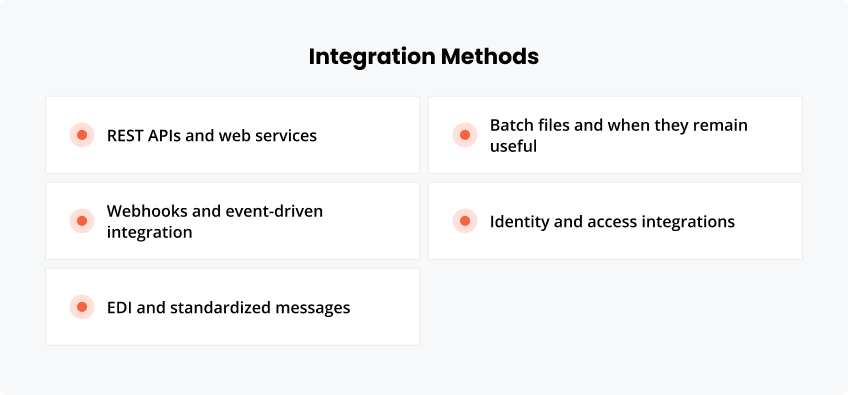
Integration Methods
There is no universal interface for every yard management application. The right method depends on system capabilities, transaction volume, security requirements, and the urgency of each event.
REST APIs and web services
A REST API allows applications to exchange structured information through defined endpoints.
A yard management API might expose operations for creating appointments, retrieving visit details, or updating vehicle status.
A web service may use REST or SOAP, depending on the enterprise platform.
Synchronous requests are useful when an application needs an immediate response, such as validating an appointment before allowing entry.
Webhooks and event-driven integration
A webhook sends an HTTP notification when a defined event occurs.
For example, the yard platform could notify the warehouse application immediately after a truck reaches its assigned door.
Event-driven integration can also use message brokers such as Apache Kafka or RabbitMQ.
These approaches reduce the need for repeated polling and help distribute operational changes to multiple consumers.
EDI and standardized messages
Electronic Data Interchange (EDI) supports structured business communication between trading partners.
Common standards include UN/EDIFACT and ANSI X12, with message types covering shipping instructions, dispatch advice, and shipment status.
EDI is useful for exchanging planned transportation information across company boundaries.
However, traditional partner messaging may not provide the low-latency feedback required for every internal yard movement.
Batch files and when they remain useful
Batch integration exchanges information at scheduled intervals, often through CSV, XML, or other structured files.
It remains useful for relatively stable reference information, historical records, and connections to legacy systems.
For example, a daily carrier directory update may not require immediate synchronization.
Batch processing is less suitable for gate authorization or urgent dock changes because delays can affect physical operations.
Identity and access integrations
Identity integrations connect the yard platform with authentication services, driver records, and physical security systems.
Technologies may include OAuth 2.0, OpenID Connect, SAML, and vendor-specific barrier interfaces.
Authentication and physical authorization should be treated separately. A valid user identity does not automatically grant permission to enter a restricted facility.
Implementation Checklist
Successful integration begins with process design rather than interface development. Teams need to understand which business events matter, where information originates, and what should happen when communication fails.
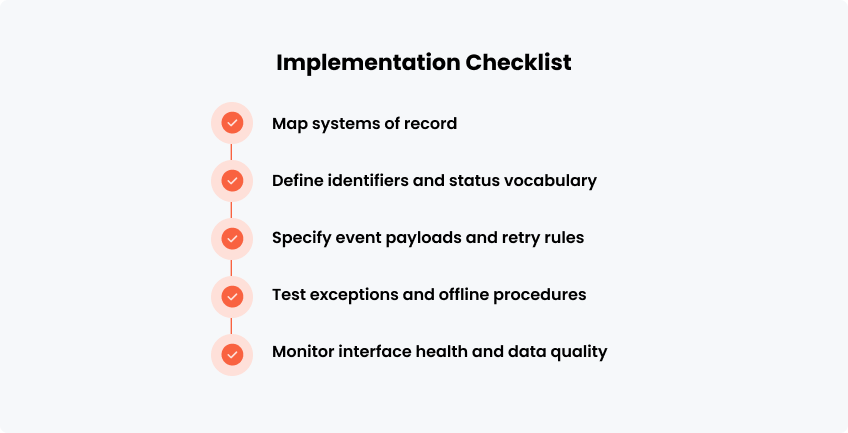
Map systems of record
A system of record is the authoritative source for a defined category of information.
Before development, document which application owns appointments, deliveries, warehouse status, and physical yard events.
YMS ERP integration is particularly dependent on this distinction because enterprise transactions and yard execution records serve different purposes.
Define identifiers and status vocabulary
Shared identifiers connect records that describe the same physical operation.
Define consistent references for:
- Appointments and shipments.
- Drivers and vehicles.
- Trailers and transportation units.
- Warehouse visits and deliveries.
- Parking positions, checkpoints, and doors.
Also establish a common status vocabulary.
For example, arrived, checked in, and at door should represent distinct events rather than interchangeable descriptions.
Specify event payloads and retry rules
Each event needs a documented structure.
Typical fields include the event identifier, source system, business object reference, event type, timestamp, location, and status.
The integration contract should define validation rules, acknowledgments, retry intervals, and duplicate-handling behavior.
Idempotent processing allows repeated delivery of an event without repeating its business effect.
Test exceptions and offline procedures
Normal workflows are only part of the implementation.
Test situations such as:
- A driver arriving without an appointment.
- A shipment being canceled after arrival.
- A vehicle changing trailers.
- A dock becoming unavailable.
- A network connection failing during check-in.
- A delayed event arriving after departure.
Define how personnel can continue essential operations during outages and reconcile records afterward.
Monitor interface health and data quality
Interface monitoring should track both technical failures and operational inconsistencies.
Important indicators include rejected messages, retry counts, duplicate events, processing latency, and stale statuses.
Dashboards should also identify records that remain incomplete beyond an expected time window.
A technically successful message does not necessarily mean the business process is synchronized.
Common Integration Failures
Most integration problems originate from unclear process definitions, inconsistent data, or insufficient exception handling. Understanding these failures helps teams avoid costly corrections after deployment.
Conflicting statuses across systems
A transport application may show a truck as departed while the yard platform still records an active visit.
This can happen when systems use different event definitions or when updates arrive out of order.
A shared state model and explicit ownership rules help prevent contradictory updates.
Duplicate visits or transportation units
Duplicate records can appear when an application retries a request after a timeout.
If the receiving system creates a new record each time, one physical truck may have several digital representations.
Use stable business identifiers, event IDs, and idempotency checks to prevent unintended duplication.
Missing master-data mappings
Master data mapping connects equivalent objects across applications.
For example, one platform may identify a dock as D-07, while another uses WH02-DOOR07.
Without a maintained mapping, the receiving system may reject the event or assign it incorrectly.
These relationships should be validated before operational testing.
No ownership for rejected messages
A rejected message needs a responsible team and a documented resolution procedure.
Technical teams may resolve authentication or connectivity failures, while logistics personnel handle missing shipment references or incorrect appointments.
Without clear ownership, errors can remain unresolved even when monitoring tools detect them.
Integrating screens instead of workflows
Copying data between user interfaces does not necessarily create an integrated business process.
A more reliable design begins with operational questions: What event occurred? Which system owns it? Which application needs the information? What action should follow?
Interfaces should implement those answers.
Effective integration connects business events, not merely application screens.
Conclusion
Integrating yard management with enterprise logistics applications creates a more coordinated operating environment. Transport plans, warehouse execution, and physical vehicle movements can follow the same operational sequence without requiring employees to repeatedly reconcile information.
The best starting point is a single, well-defined workflow, such as inbound deliveries from appointment creation through gate departure. Establish data ownership, document event contracts, and test exception handling before expanding to additional facilities or systems.
For SAP environments, pay particular attention to transportation unit references, warehouse visits, checkpoint mappings, and asynchronous message processing. These details determine whether warehouse and yard operations remain synchronized under real operating conditions.
The objective is not to connect as many applications as possible. It is to ensure that the right information reaches the right system in time for the next operational decision.
Authoritative Sources
SAP Help Portal — SAP Yard Logistics, Integration to SAP Extended Warehouse Management.
United Nations Economic Commission for Europe — UN/EDIFACT DESADV, Release D.24A.
FAQ
A yard management platform should typically connect with warehouse management, transportation management, and enterprise resource planning applications. Facilities may also integrate dock scheduling, access security, and carrier communication platforms. The priority depends on operational dependencies. Start with connections that directly affect vehicle entry, dock availability, loading activities, and departure processing.
No. Yard management software coordinates physical vehicle movements and yard activities, while warehouse applications control inventory and handling operations. Transportation platforms manage shipment planning and execution. Integration allows these applications to share information without duplicating their responsibilities. The systems remain complementary, although specific functions may overlap depending on the products deployed.
SAP EWM exchanges yard-related information through supported enterprise services and integration interfaces. Depending on the configuration, these exchanges cover transportation unit check-in, checkpoint processing, door assignment, loading-related updates, and departure. Some operations use asynchronous messaging and corresponding confirmations. The available interfaces depend on the SAP release and integration scenario.
Real-time exchange is most valuable for information that determines the next physical action. Examples include vehicle arrival, access authorization, dock availability, door assignment, and loading completion. Reference information such as carrier directories may be synchronized less frequently. Integration requirements should reflect operational urgency rather than treating every data field as equally time-sensitive.
Integration monitoring should combine technical metrics with business-level validation. Teams should track failed requests, rejected messages, retry attempts, duplicates, and processing delays. They should also detect missing events and records with outdated statuses. Each error category needs an assigned owner, escalation procedure, and recovery process. Regular reconciliation helps identify inconsistencies that technical monitoring alone may miss.